
Inseego Mobile™ app
Simplify device setup and remote management capabilities with our mobile app.
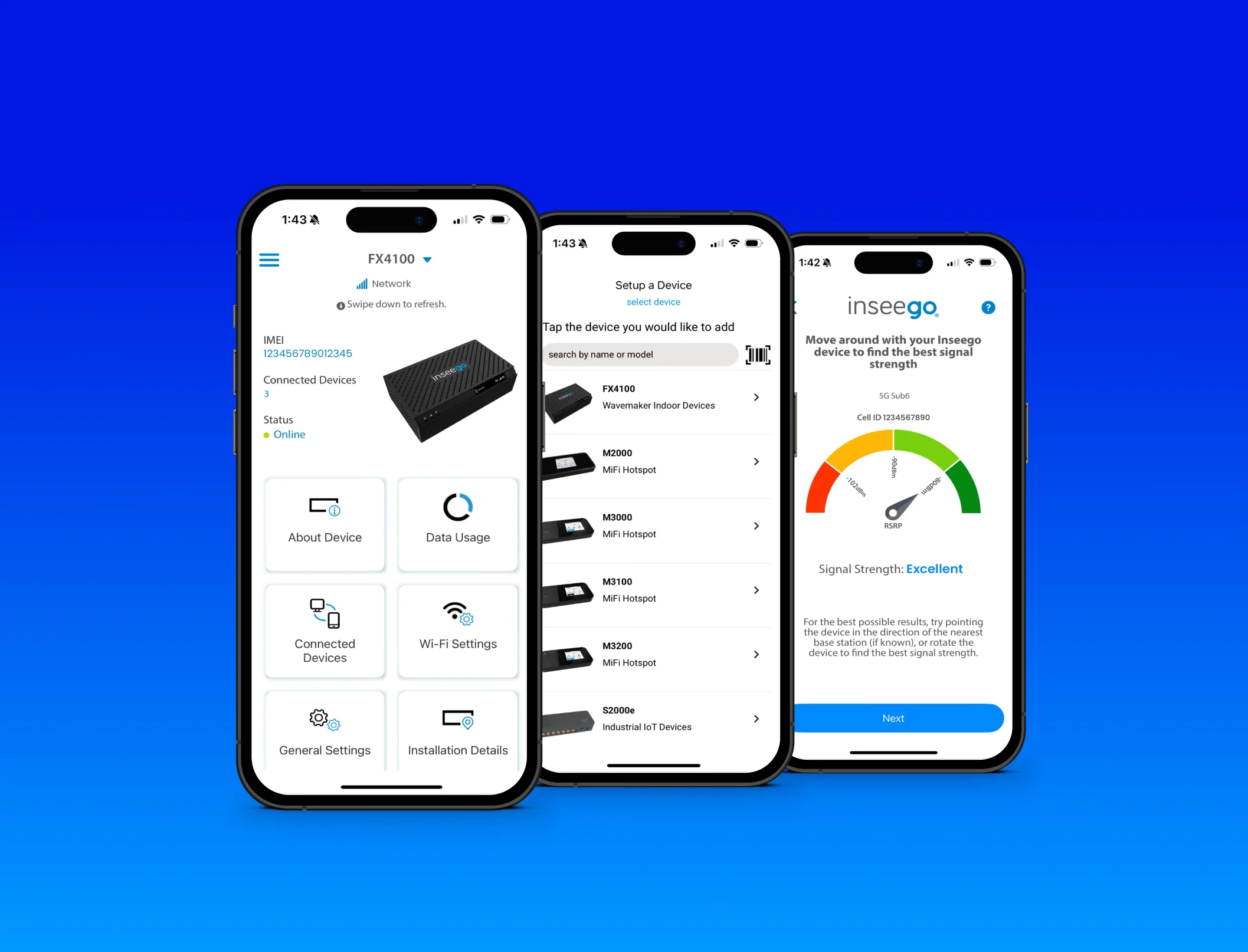






Easily find the best place to set up your Inseego devices right from your phone
The Inseego Mobile app provides a simplified, step-by-step installation process with a QR code scanning feature for quick setup. It also includes a location finder to help you identify the best signal strength, ensuring optimal device placement and a smooth deployment.
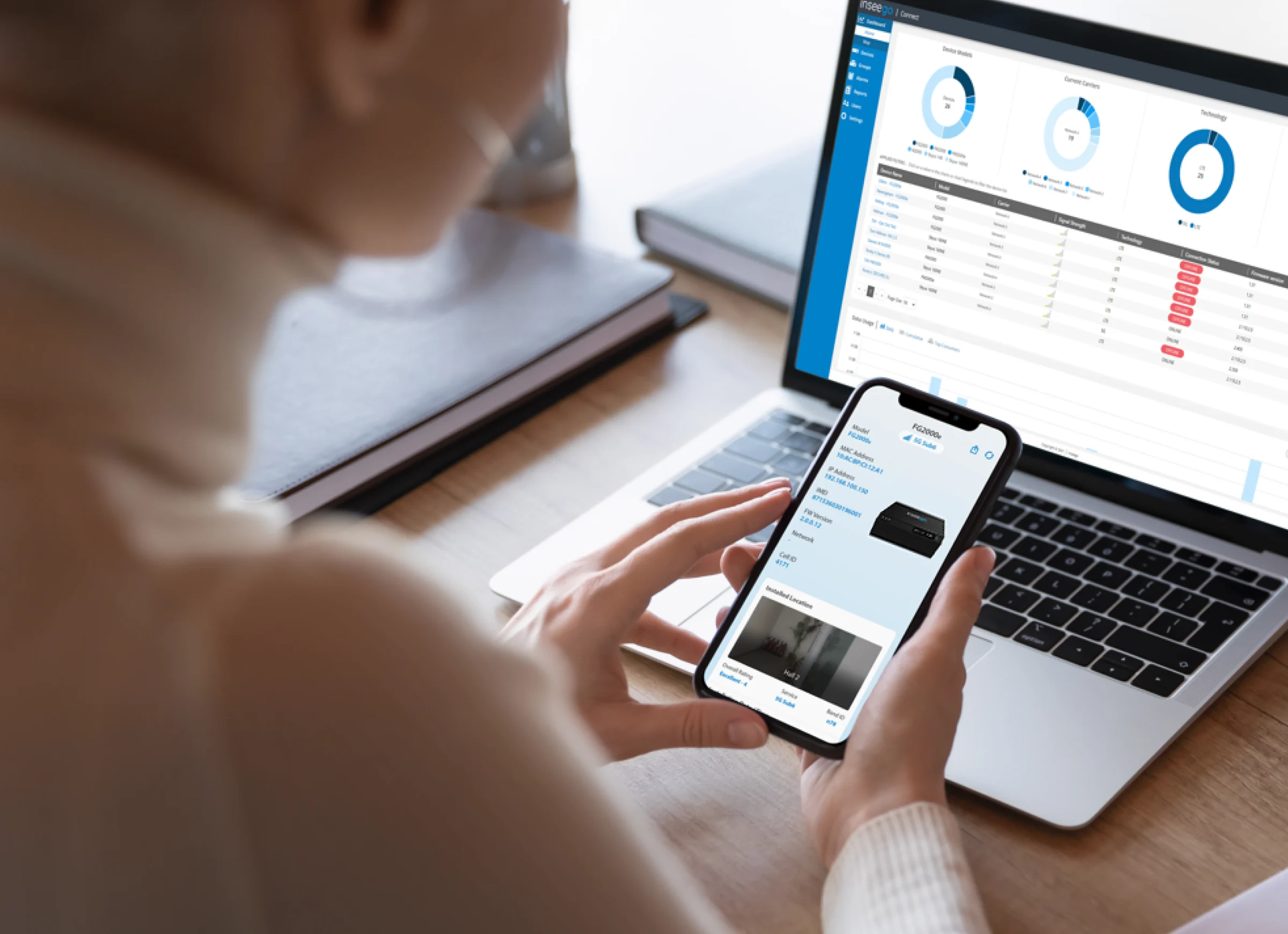
The app helps you organize your inventory with digital installation records that track the date, time, location, and performance of each device.
The app keeps you informed with proactive alerts that notify you of critical events, such as data usage overages or drops in network performance. You can also generate ad-hoc reports or schedule repeating reports on device data to be sent via email.
Easily manage your local Wi-Fi settings directly from the app. You can control your primary and guest network SSIDs and passwords, giving you simple control over your network access.
The app gives you the power to remotely control your devices from anywhere. You can remotely reboot or factory reset a device to quickly resolve issues without needing to be on-site.
Compliance & security
Security you can trust

US designed & developed
Trust in US-designed, supported, and developed network devices for unmatched security.

Critical IP is US owned
U.S.-based IP and support are vital for national security, safeguarding advanced 5G tech infrastructure.

TAA Compliant
Our Wavemaker™ FWA, MiFi hotspots, and IoT gateways are Trade Agreements Act (TAA) compliant, making them suitable for government and public sector.
Learn more
FIPS 140-2
We offer devices with FIPS 140 validation that meet stringent government cryptographic security standards.
Learn more
Cloud-based device management
Inseego Connect allows IT to remotely manage Inseego device usage, ensuring consistent security across the network.
Learn moreFeatures & specifications
Installation
QR codes make it easy to scan, pair and set up devices through the app.
Customized screen flows for consumers and pro installers.
User-friendly interface dynamically measures signal strength at any location for frequency bands (LTE, 5G sub-6 & 5G mmW).
Alerts prevent data usage overages and notify you when your WAN connection is lost, or network performance drops.
Location finder identifies places with the best signal strength and provides a performance rating.
Step-by-step instructions for mounting and setting up Inseego devices.
Dashboard shows the device, network, and installation statistics with relevant data for consumers or pro installers.
Benefits
For carriers & enterprises
Ensures 5G devices are installed in the best location for the best service
Seamless interface to Inseego Connect for remote monitoring, device health, and performance statistics
Lowers operating expenses, reduces truck rolls
For end consumers
Excellent installation experience; reinstall the device in a different location for any reason.
Automatic alerts on your Smartphone alert you when network performance drops, or data usage limits are reached
For professional installers
Reduces install time and work order paperwork, thanks to digital record keeping and information availability
Allows you to increase productivity and complete more installs
Features
Simple & efficient setup
Easily deploy new devices with a step-by-step app guide and a location finder to ensure optimal placement.
Remote management
Remotely configure Wi-Fi settings, manage connected devices, and perform reboots to troubleshoot issues from anywhere.
Alerts & reporting
Stay informed with proactive alerts for critical events and generate custom reports on performance, usage, and inventory.
Downloads


Inseego and Khasm Labs transform operations at Washington United Terminal


2,000+ Stores, one solution: The 5G revolution at Tractor Supply with Inseego

Delivering reliable, low-throughput connectivity with the Inseego Skyus 160


40,000 MiFi X PRO devices across 26 branches for Harris County Public Libraries.
Product support

Help center
Our Help Center is a comprehensive resource designed to assist you with product queries and troubleshooting.

Product documentation
Product manuals, quick start guides and user guides, you’ll also find driver and firmware updates.