
Configuration
The Configuration page displays all the current configuration settings for the device on one page.
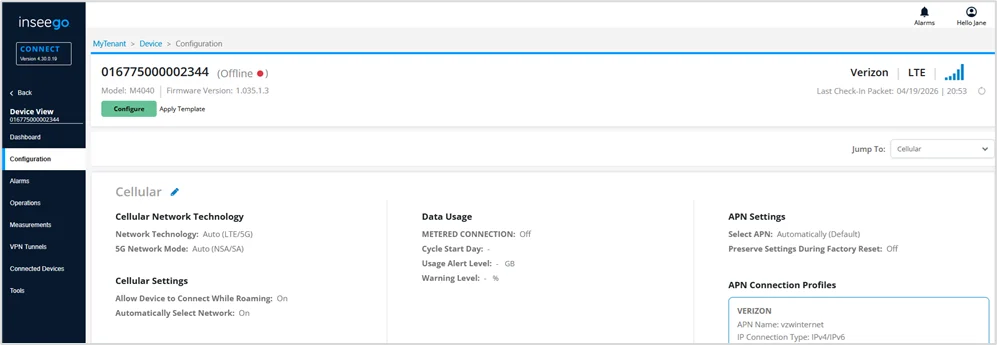
To make changes to the device configuration, either click the pencil icon  in a configuration topic, or use the commands along the top:
- Configure: Allows you to view and change settings on the device. Use the side menu in the dialog to navigate. When you make a change, a change icon appears on the side menu. A warning appears if you need to fix something. Make all your changes and select Save. See Configuring a device for more information.
- Apply Template: Allows you to apply a template created in Devices > Templates to the device. See Applying a template for more information.
TIPS
- You can scroll through all configuration settings or use the Jump To dropdown in the upper right to quickly navigate to a specific configuration.
- If the device belongs to a config group, use the Show dropdown to select configurations to view (All Configurations, Config Group Template, Overwritten on this Device, or This Device).